

Have you ever found yourself wondering if someone blocked you on social media or messaging apps? It’s a question that many of us have asked at one point or another, especially when communication seems to suddenly stop, or you notice strange changes in your interactions. The uncertainty can be frustrating and confusing, but don’t worry—there are several ways to figure out how to tell if someone blocked you.
In this article, we will explore different signs and methods to help you understand whether you’ve been blocked. While it can feel personal or upsetting, it’s important to handle the situation with care and respect for the other person’s privacy. Let’s dive into how to tell if someone blocked you and provide a clear path to understanding this digital situation.
Table of Contents
ToggleWhat Does It Mean to Be Blocked?
Before we get into how to tell if someone blocked you, let’s quickly define what it means to be blocked. When someone blocks you on a platform—whether it’s a messaging app, social media, or another service—it means that person has restricted your access to their profile or ability to communicate with them. Essentially, blocking creates a digital barrier that prevents you from contacting them, viewing their content, or interacting in the same way you used to.
Blocking is commonly used for privacy reasons, to avoid harassment, or to establish boundaries. While it may feel awkward or upsetting to realize you’ve been blocked, it’s important to remember that people block others for many personal reasons that may have nothing to do with you.
How to Tell If Someone Blocked You on Different Platforms
Now, let’s explore the specific signs and clues that can help you determine how to tell if someone blocked you on various popular platforms, such as WhatsApp, Instagram, Facebook, and more.
1. How to Tell If Someone Blocked You on WhatsApp
WhatsApp is one of the most widely used messaging apps, and it offers several indicators that may suggest how to tell if someone blocked you.
-
Check Profile Picture and Status: If you no longer see the person’s profile picture or status updates, it could indicate that you’ve been blocked. However, some people adjust their privacy settings to hide these details from others, so this is not a guaranteed sign.
-
One Tick Instead of Two: When you send a message on WhatsApp, the ticks beside the message show its delivery status. A single grey tick means the message was sent, while two grey ticks indicate it was delivered. If you consistently see only one grey tick instead of two, it could be a sign that the person has blocked you.
-
Unable to Make Calls: If you try to call the person on WhatsApp and the call doesn’t go through, this could be a sign of being blocked. If the call continuously fails, you might want to consider the possibility that you’ve been blocked.
-
No Updates on Last Seen or Online Status: If you can no longer see someone’s “Last Seen” status or whether they’re online, this could indicate you’ve been blocked. However, WhatsApp also allows users to customize who can see these details, so the absence of this information alone isn’t conclusive.
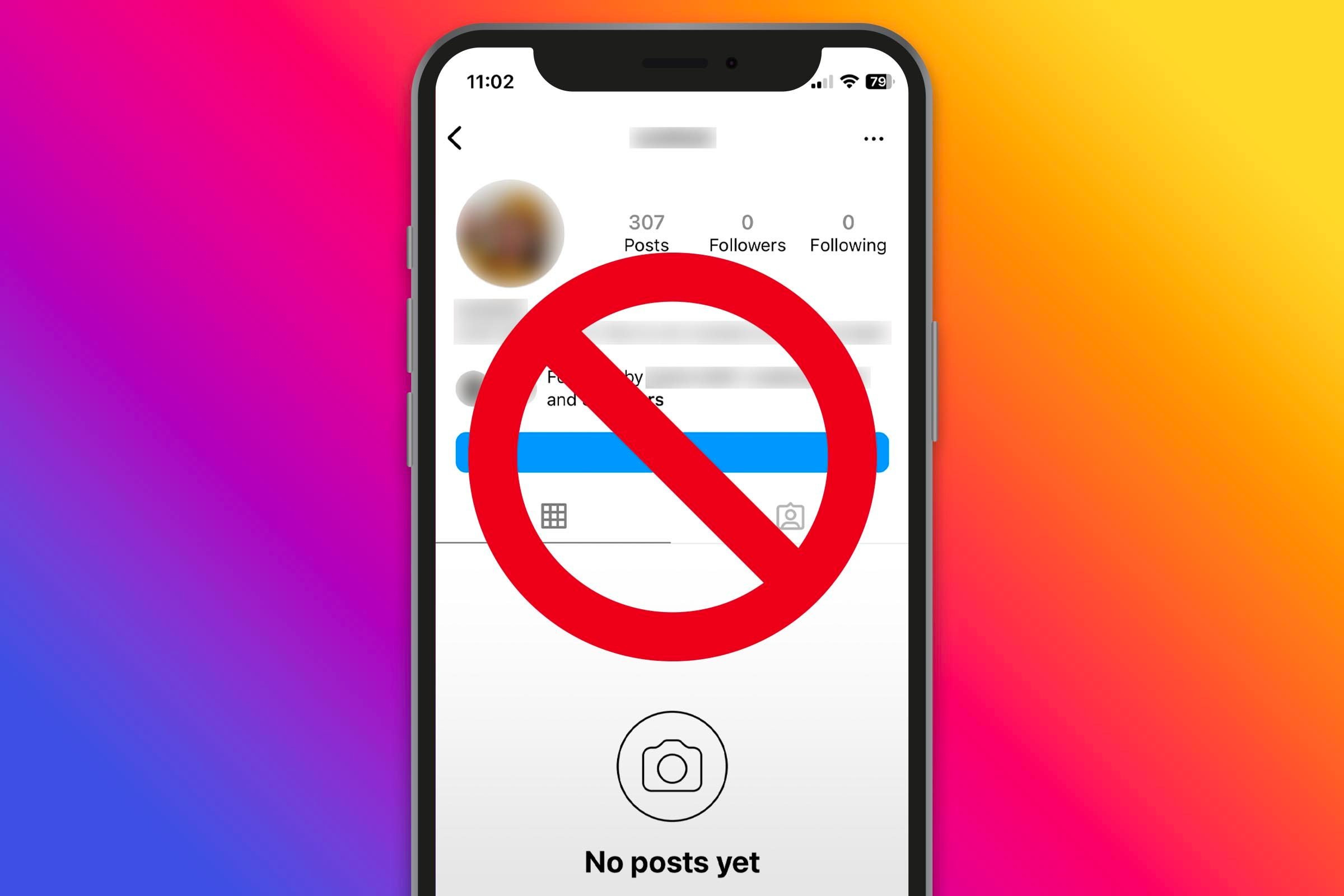
2. How to Tell If Someone Blocked You on Instagram
Instagram is a popular platform for both casual and professional use. If you’ve noticed a sudden change in your interactions with someone on Instagram, here’s how to tell if someone blocked you:
-
Search Their Profile: If you search for their username and you can’t find their account, or if you see an error message saying the page doesn’t exist, it might mean they’ve blocked you. However, they could have also deleted their account.
-
Their Posts Are Hidden: If you can still find their profile but can’t see their posts or stories, it could be another sign that you’ve been blocked. Sometimes, Instagram will show you their profile but won’t allow you to interact with their content.
-
Direct Messages Won’t Deliver: If you’ve tried to send them a message and it won’t send, it could mean that you’ve been blocked. The message might not go through, and you may not see their active status in the chat window.
-
Comments and Likes Disappear: If you’ve had previous interactions with them—such as comments or likes on their posts—and now they are gone, this could indicate that you’ve been blocked.
3. How to Tell If Someone Blocked You on Facebook
Facebook also has its own set of clues to help you figure out how to tell if someone blocked you. Here are a few common signs:
-
Inability to Search Their Profile: If you search for the person’s name and their profile doesn’t appear, they might have blocked you. However, they could also have changed their privacy settings to make their profile more difficult to find.
-
Unable to Send Friend Requests: If you’ve tried to send them a friend request, but the option isn’t available or it won’t go through, this could be a sign that you’ve been blocked.
-
Their Posts Are Hidden: If you can’t see their posts, even though you know they are active on Facebook, this may indicate you’ve been blocked. Facebook typically hides all of the person’s posts from you if they have blocked you.
-
Comments and Tagging Restrictions: If you no longer see your comments on their posts or can’t tag them in your posts, this could be a sign that you’ve been blocked.
4. How to Tell If Someone Blocked You on Snapchat
Snapchat is a platform where people communicate via images and videos, and it’s common for users to block others when they want privacy. Here’s how to tell if someone blocked you on Snapchat:
-
Unable to Find Their Username: If you search for their Snapchat username and can’t find them, it’s possible they’ve blocked you. If they deleted their account, their username will no longer be searchable either.
-
Snaps Aren’t Delivered: If you send them a Snap and it won’t be delivered (with an empty arrow instead of a filled one), it could be a sign that you’ve been blocked.
-
No Longer on Your Friends List: If the person disappears from your friend list, or if you can no longer see their stories, they may have blocked you.
5. How to Tell If Someone Blocked You on Twitter
On Twitter, it can sometimes be tricky to determine if you’ve been blocked, as their settings limit your ability to view certain information. Here’s how to tell if someone blocked you on Twitter:
-
Can’t See Their Tweets: If you try to visit their profile and see a message saying that “you are blocked from following [username]” or something similar, you’ve been blocked.
-
Unable to Follow Them: If you can’t follow them anymore or the “Follow” button is missing, it could indicate that you’ve been blocked.
-
Their Replies Are Hidden: If you can’t see their replies to other users or any mention of your username, this could also signal that you’ve been blocked.
How to Deal with Being Blocked
Now that you know how to tell if someone blocked you, it’s essential to handle the situation with grace. If someone has blocked you, it’s important to respect their decision and privacy. Here are a few tips on dealing with being blocked:
-
Don’t Take It Personally: People block others for various reasons, and it doesn’t always mean that it’s about you. It could be for personal space, privacy concerns, or a number of other factors.
-
Respect Boundaries: If someone has blocked you, it’s important to honor their boundaries. Trying to bypass a block (e.g., by using a different account) is not respectful.
-
Focus on Moving Forward: While it may sting initially, try to focus on moving forward and investing your energy in more positive connections.
-
Reflect on the Situation: If you’re close to the person and you’re unsure why they’ve blocked you, it may be helpful to reflect on any past interactions or conversations that could have led to the block. However, it’s important to respect their privacy and not push for answers if they don’t wish to provide them.
Conclusion
Figuring out how to tell if someone blocked you can be a perplexing experience, but by understanding the signs on various platforms, you can gain clarity. Whether it’s through changes in their profile, direct message delivery, or the inability to interact with their content, there are several indicators that can help you understand what might be happening.
Regardless of the reasons behind the block, it’s important to approach the situation with maturity and respect. People use the block feature to protect themselves and establish boundaries, and while it may hurt, it’s essential to give them the space they need. Now that you understand how to tell if someone blocked you, you’re better equipped to handle this situation with confidence and respect.